
This month’s updates include several highly requested enhancements designed to improve security, automation, reporting, and user management. Highlights include Microsoft Entra SSO support, a new Workflow Update Contact node, invisible reCAPTCHA for forms and surveys, delivered-based email metrics, and early access to our new drag-and-drop Template Builder. We’ve also rolled out a number of usability improvements based directly on customer feedback.
Simplify Login with Microsoft Entra SSO
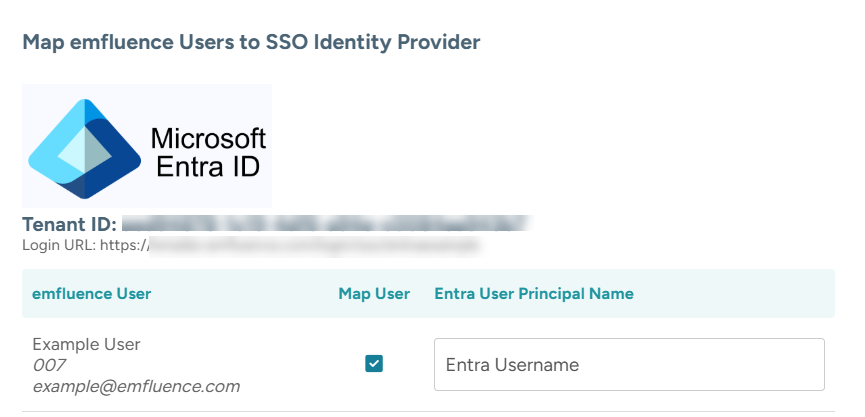
Clients can now enable single sign-on (SSO) for the emfluence Marketing Platform through Microsoft Entra. Similar to our Okta integration, administrators can choose to map specific users to authenticate via Entra or require all users to log in using SSO by default.
An administrator with the appropriate permissions will be needed to configure the connection and user mapping. Detailed setup instructions can be found in the emfluence Help Section.
Reduce Spam Without Adding Friction
AB Asks: Can you add an invisible reCAPTCHA option on forms and surveys?
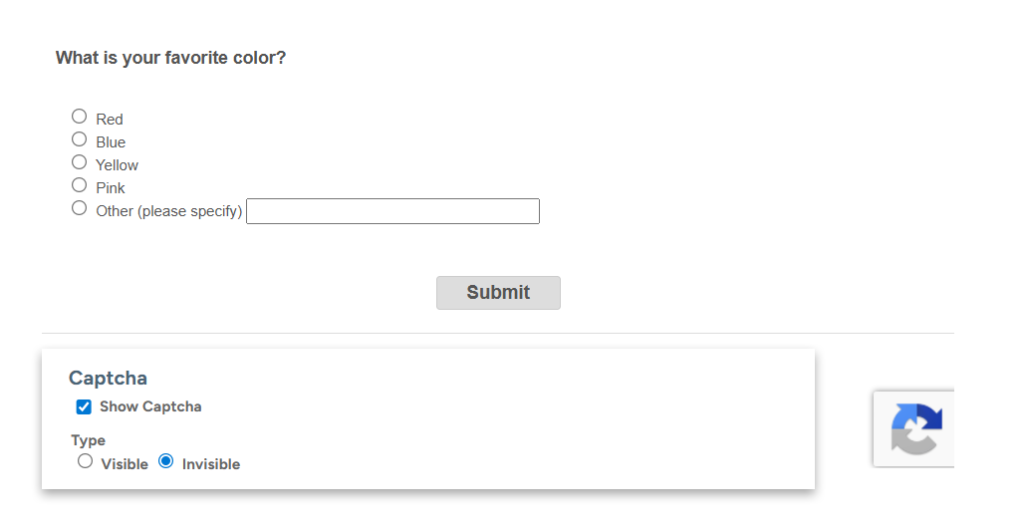
An invisible reCAPTCHA option is now available for both emfluence forms and surveys.
This additional security measure helps reduce spam submissions while maintaining a seamless experience for legitimate users, with no extra steps required during form or survey completion.
Avoid Missed Follow-Ups on Form Submissions
PT Asks: Can you add some clarifying language on notification emails?
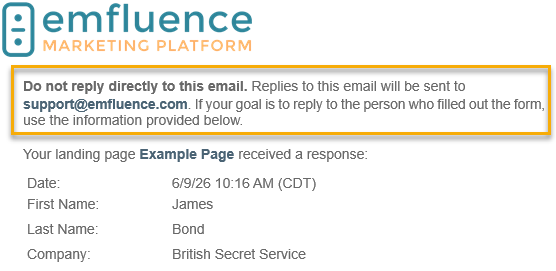
We’ve updated form and survey notification emails with clearer messaging to help users understand how to follow up with new submissions.
The updated language reminds recipients that replying directly to the notification email will route the message to support@emfluence.com rather than the person who submitted the form or survey. To contact the submitter, users should use the information included in the submission details.
Build Templates with Drag-and-Drop Simplicity (BETA)
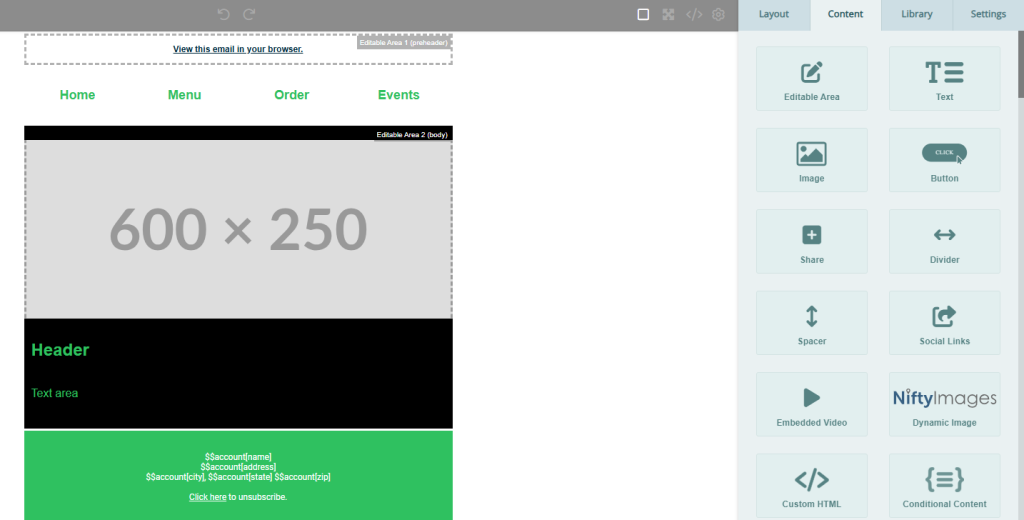
Our new Template Builder is currently in testing. This feature allows users to create and manage templates using the same drag-and-drop editor experience available for emails.
If you’re interested in participating in the early beta release, please contact support@emfluence.com.
See More Traffic Sources at a Glance
DC Asks: Can you make it where all the sources on the landing page report show on one page?
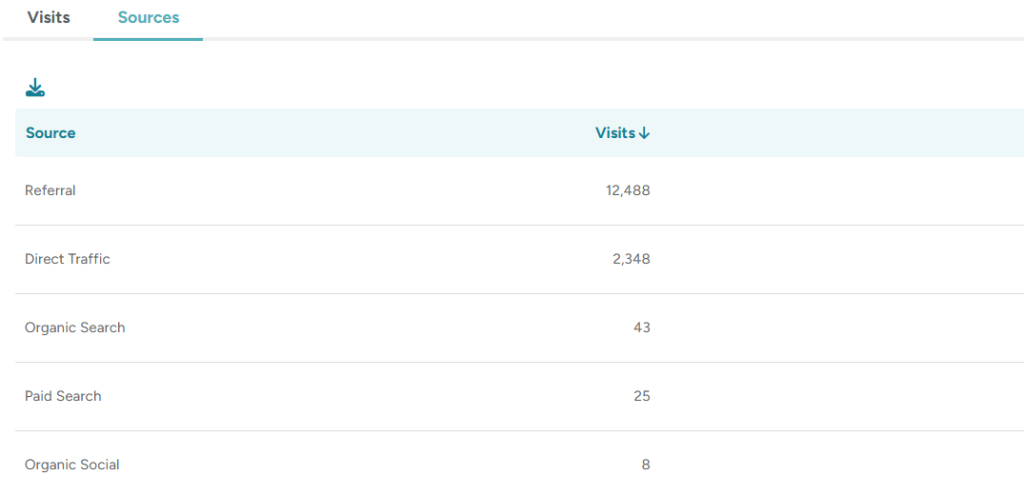
To make landing page reporting easier to review, we’ve increased the number of sources displayed on the Landing Page Sources list from 5 to 15 per page.
This update reduces the need for paging through results and provides greater visibility into your landing page traffic at a glance.
Keep Contact Data Updated Automatically
JB Asks: I would love to be able to update a contact as part of a workflow. Is this something you could add?
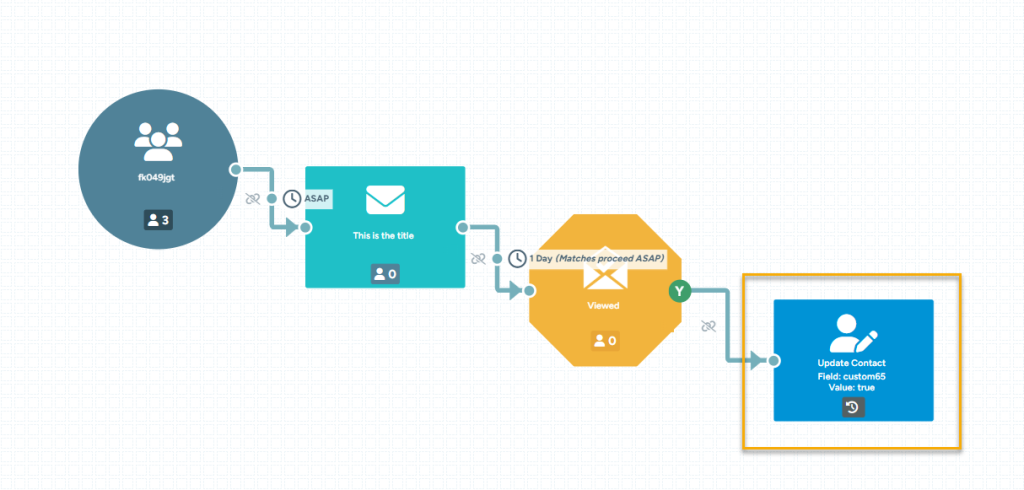
We’ve added a new Workflow node: Update Contact.
This node allows you to update a field value directly on a contact record as part of an automated workflow, making it easier to keep contact data current based on actions, behaviors, or workflow outcomes.
Give Users More Time to Get Started
KK Asks: New users’ invites are expiring before they can log in. Can you increase the time the invite will work?
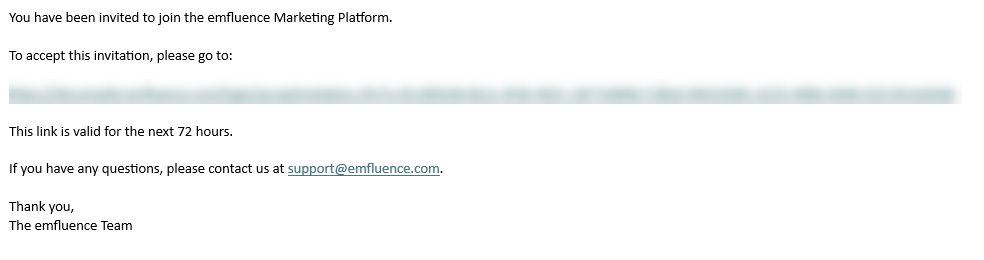
We’ve extended the expiration window for the initial invitation link sent to new users.
While the link will still expire for security purposes, new users now have more time to set up their password and complete the account activation process.
Measure Engagement Using Delivered Emails
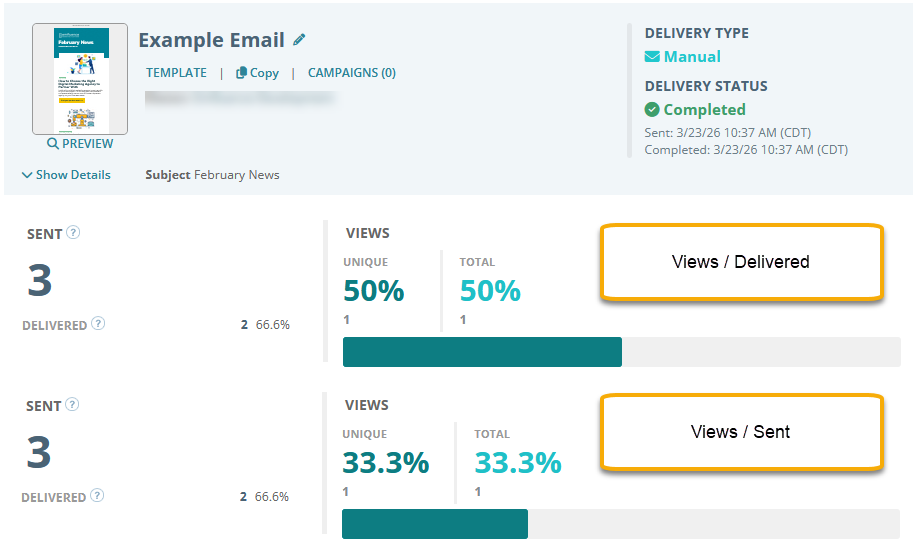
emfluence has traditionally calculated engagement metrics like views and clicks based on the number of emails sent—measuring performance against your full audience.
Some ESPs use delivered instead, excluding bounces. As this approach has become more common, we now offer the option to calculate metrics using delivered as the denominator.
This setting is applied at the account level and will update historical data based on your bounce rates. If you’d like to make the switch, contact support@emfluence.com.
Got a request?
Share it in our Help section or vote on requests from our user community.